
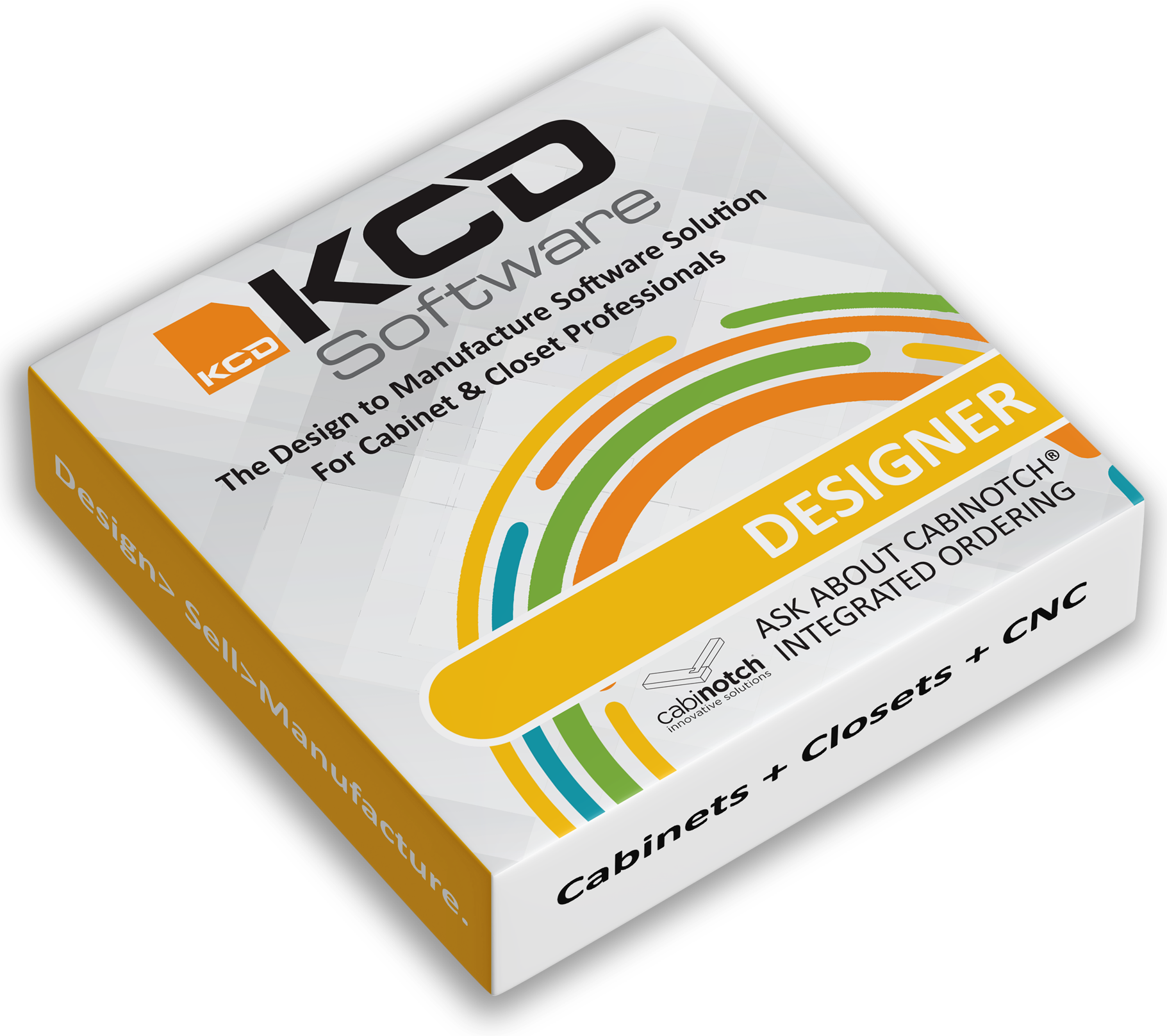
Cabinet and Closet Designer
Turn dreams into reality with software you can build on!
A comprehensive 2D and 3D design program for both cabinet and closet makers, Cabinet/Closet Designer puts a fully loaded design studio at your fingertips. Create custom kitchens, baths, entertainment centers, built-in bookcases, walk-in closets, garage storage, murphy beds and more unique cabinet and closet spaces. Create your own unit libraries and pull-down menus tailored specifically to your business.
KCD Software is powerful and easy to use.
KCD Software's Designer is Powerful and Easy to Use!
Expect a better starting point with an easier design process. Initial cabinet and closet layouts can be roughed in using preset units with hundreds of editable door styles. Full libraries include frame, frameless, and closet options, along with a variety of wood product libraries. KCD Software makes it easy to design a complex kitchen in under 30 minutes. Start sizing and styling cabinetry to fit your client’s unique space.
KEY FEATURES OF CABINET/CLOSET DESIGNER!
- Full Design Studio
- Detailed 3D Rendering
- Presentation Multi-Prints
- 300+ Door Styles
- Closet Components
- Custom Wall Shapes
- Commercial and Residential
- Real Wood Grains & Countertops
- Island & Peninsula Walls
- Floor Plans & Elevations
- Dimensioned Drawings
- Predefined & Custom Molding
- Work in Inches or Metric
- Integrated Door Ordering
- Custom Library Creator
- Add Handles and Hinging
- Optional Touchscreen Mode
- Live Phone Support
CABINET LIBRARIES INCLUDED WITH DESIGNER LEVEL OF KCD SOFTWARE!
- Custom Frame
- Custom Frameless
- Overlay Frame
- Accessories
- Adams Wood
- Osborne Wood
- White River Wood
- TableLegs.com
CLOSET LIBRARIES INCLUDED WITH DESIGNER LEVEL OF KCD SOFTWARE!
- Custom Closet
- Accessories
FREE DOWNLOADS AVAILABLE WITH DESIGNER LEVEL OF KCD SOFTWARE!
- TAG Hardware Accessories
- TAG Hardware Available Collections
- TAG Hardware Track Wall System
ABOUT DESIGNER!
KCD Software's Designer Level is ideal for any cabinet or closet designer looking to impress clients and showcase their work!
- WOW your customers! Bring projects to life with amazing 3D visuals they will love!
- Create detailed floorplans and elevation views
- Deliver precise, dimensioned drawings to your shop with confidence
- Impress clients with presentation-ready layouts
- From concept to reality - let KCD Software grow with your business
Cabinet/ Closet Designer
From: $99 / month
Powerful 2D and 3D design software for custom cabinet and closet professionals.
- No Annual Maintenance Fee
- Live Phone Support
- Free Updates
A comprehensive design program for both cabinet and closet makers, Cabinet/Closet Designer puts a fully loaded design studio at your fingertips. Create kitchens, baths, entertainment centers, built-in bookcases, walk-in closets, garage storage, murphy beds and more unique cabinet and closet spaces. Create your own libraries and pull-down menus tailored specifically to your business. KCD Software is powerful and easy to use.
System Requirements
Intel or AMD-based Multi-core processor with at least 8GB of unused hard drive space. Windows 10 or Windows 11 operating system. 8 GB of RAM (16 GB or more recommended for 4K or higher displays). Screen resolution 1920 x 1080 or higher. Standard USB port preferred, call for other options. An internet connection and e-mail account are recommended. I5 or better processor and/or more cores will render 3D images more quickly. It is important to have the most current Windows update.
KCD Software is not operable on an iPad or Android tablet but functions beautifully on an Intel-based PC Tablet: Full Windows 10, or Windows 11 tablet with a full-size standard USB port preferred, call for other options, 8GB of RAM, an i5 or better processor, along with a rear-facing camera.

It's not complicated to run the CNC machine with KCD. It's a little intimidating when you first get it but that's where KCD is great because on the phone they just simplify things a lot. They'll talk you through to get you moving and to the point where your shop can run smoothly. We got a lot of things going at the same time. We were more efficient about how we moved parts through [the shop] because they come off the machine and are labeled. It keeps the cabinet parts organized so that everybody knows what's going on – not just the operator.
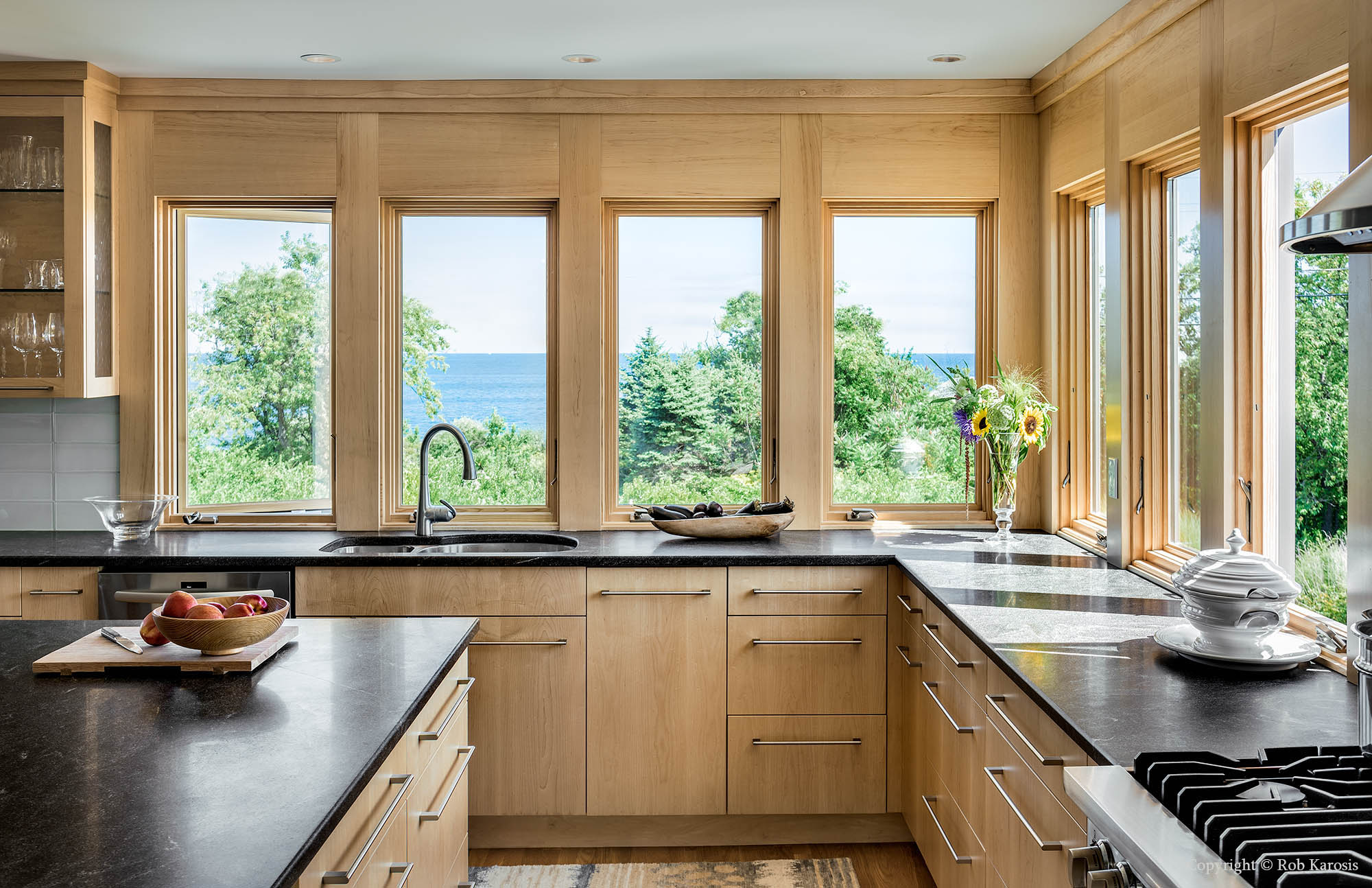
We're a custom home builder and custom woodshop, so everything we do is different. The program does what we want it to do. KCD helped us streamline the business so we can do more in a shorter time with less people.

We thought we would outgrow KCD over the years, but the software grew and advanced right along with us. It used to take us 8 hours for the average mid- to high-end kitchen. Now it takes us under 2 hours.

It's easy and has great customer support. You don’t have to take classes to use it. Even today, I'll just watch an online video if I need to refresh my memory. I'm completely satisfied; and if I had to do it again, I would buy KCD Software.
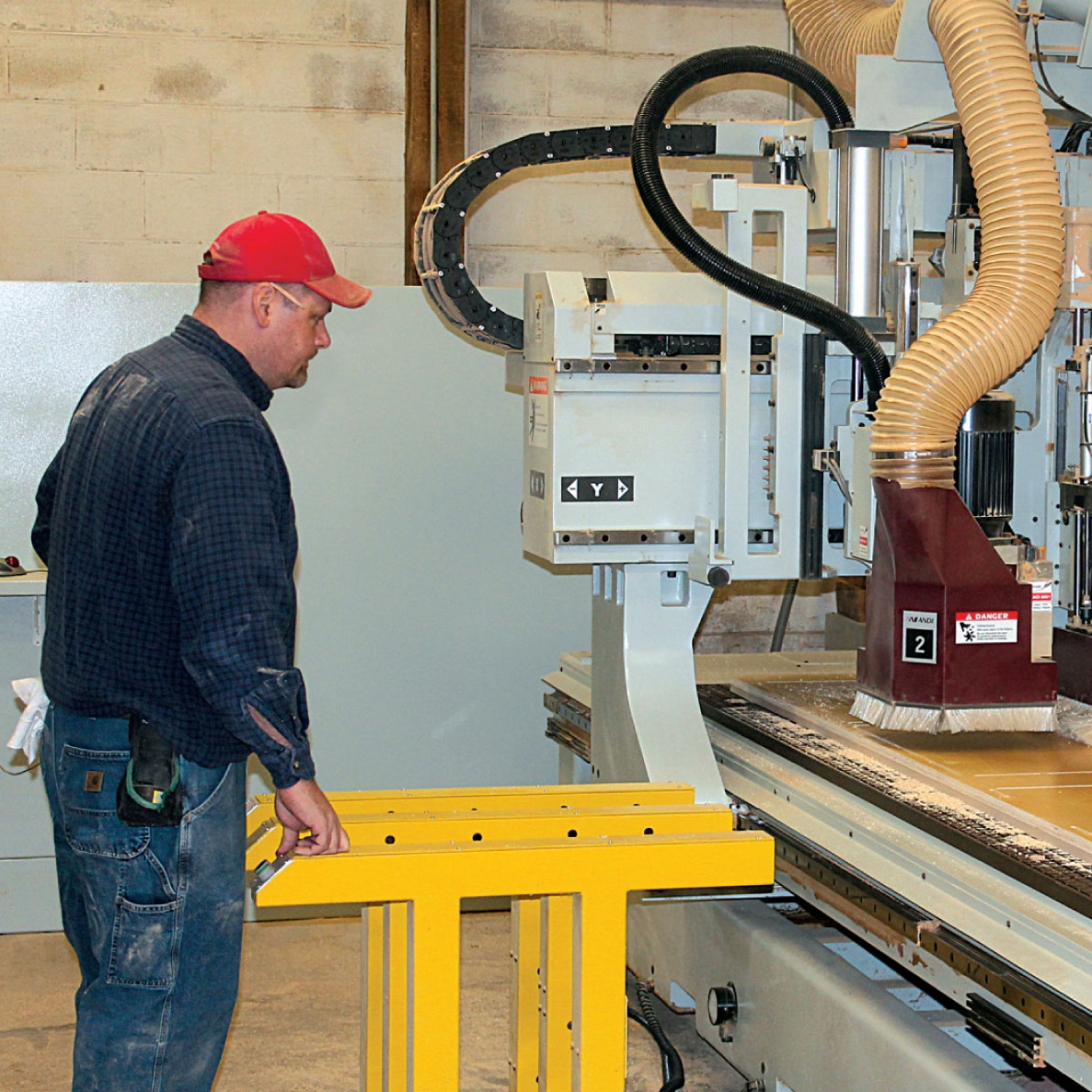
They knew exactly what I wanted done, and made it happen. I was impressed right out of the gate. They worked with me over the next month on the phone, and back and forth on the computer, to make sure the software was tailored to my needs. They are completely customer-focused. It’s unbelievable. I would never change software.
We do middle- to upper-end custom kitchens ($20,000 to $30,000 range) and we use KCD for every job. We work with homeowners, architects, and designers. If we work with a designer, we enter their design in our system so we can cut it. We can also add more details than the designer thought of.
We've done entire houses, including entertainment centers and cabinetry, using KCD. KCD changed our methodology years ago because we saw features that improved the way we do things. CNC made us more efficient. It helped us streamline. It improved the quality, if anything, because we could go direct to cutting.

I am really impressed with the system. Our sales went up 30% in one year. Most clients have a hard time visualizing their project and KCD is like handing them a photograph of the completed project.

It would be devastating to lose KCD. It's part of our business from the moment clients sit down with us. Every project we do, we're using KCD to design and present it and send it to CNC. I can bring in a new guy and they can use KCD very quickly. Some of them have used other products and they say they really like KCD. They've never tried to talk me into changing.
Going to the router is flawless. KCD has simplified the process in a way that really meets our needs. We are always confident the pieces will be cut correctly. It's definitely the simplest, fastest and most reliable software I've ever used.
More Features
| Features | Designer | Professional | Workshop | Commander |
|---|---|---|---|---|
| Technical Support | ||||
 Our Technical Team is available to answer your questions, free of charge, 8:30am-5pm EST Monday - Friday.Free Live Phone Support Our Technical Team is available to answer your questions, free of charge, 8:30am-5pm EST Monday - Friday.Free Live Phone Support
|
Libraries Included | |||
| Custom Frame Library | ||||
| Custom Frameless Library | ||||
| Custom Overlay Frame Library | ||||
| Custom Closet Library | ||||
| Accessories Library | ||||
| Cabinotch® (frame) Library | ||||
| Cabinotch® Full Access (frameless) library | ||||
| Osborne Wood Products Library | ||||
| Adams Wood Products Library | ||||
| White River Hardwoods Library | ||||
| Tablelegs.com Library | ||||
| Tag Hardware Library (free download) | ||||
| Features | ||||
| Optional KCD Touch Screen Mode (for PC, PC tablet or laptop) | ||||
| Full Custom Cabinet Design Studio | ||||
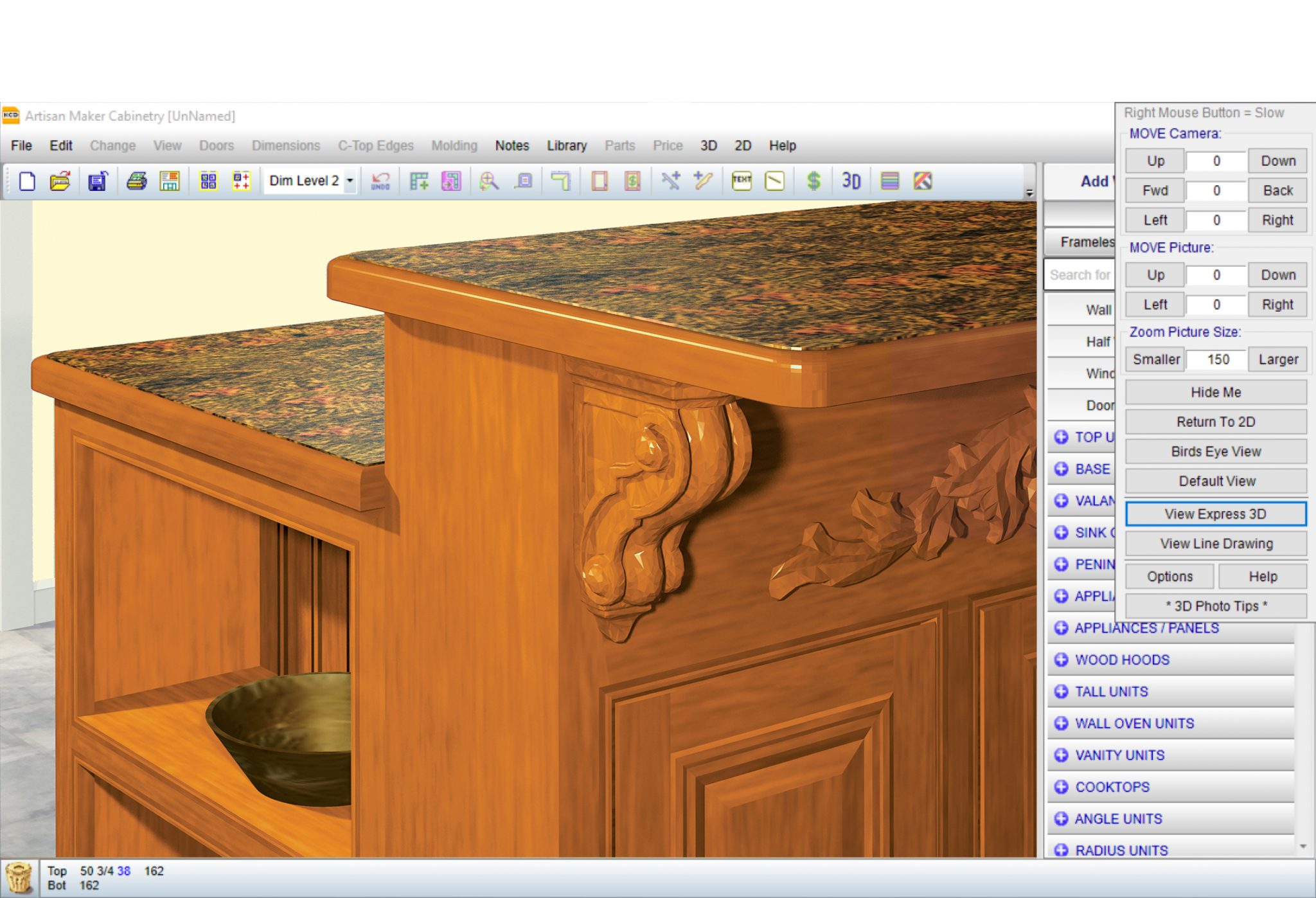 Make it yours with countertop details (predefined and custom edging) and real wood grains.Real Wood Grains and Countertops Make it yours with countertop details (predefined and custom edging) and real wood grains.Real Wood Grains and Countertops
|
||||
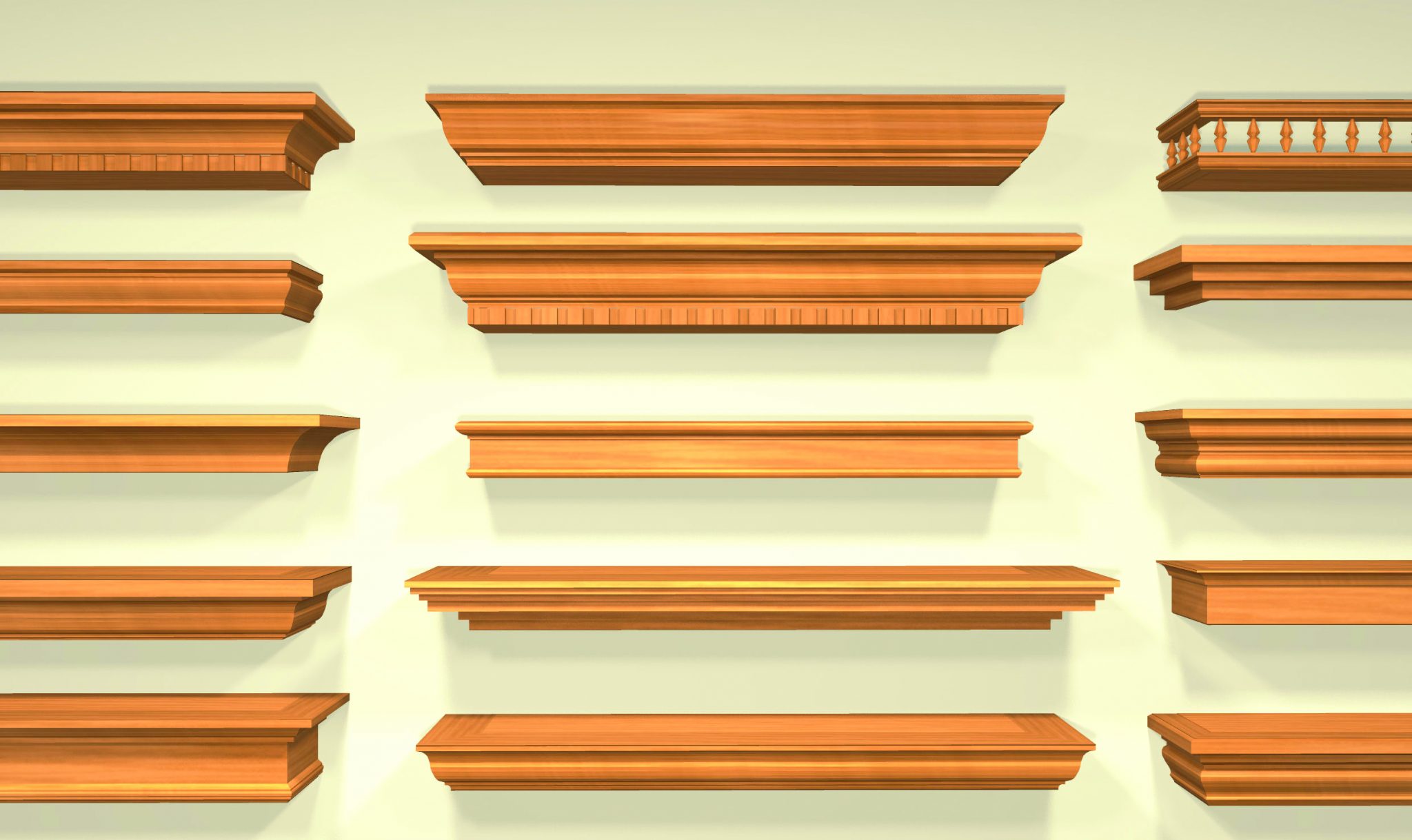 Looking for something a little different? Design your own molding with Molding Maker™.Predefined Moulding Selector or Customize your Own Looking for something a little different? Design your own molding with Molding Maker™.Predefined Moulding Selector or Customize your Own
|
||||
| Frame and Frameless Cabinetry | ||||
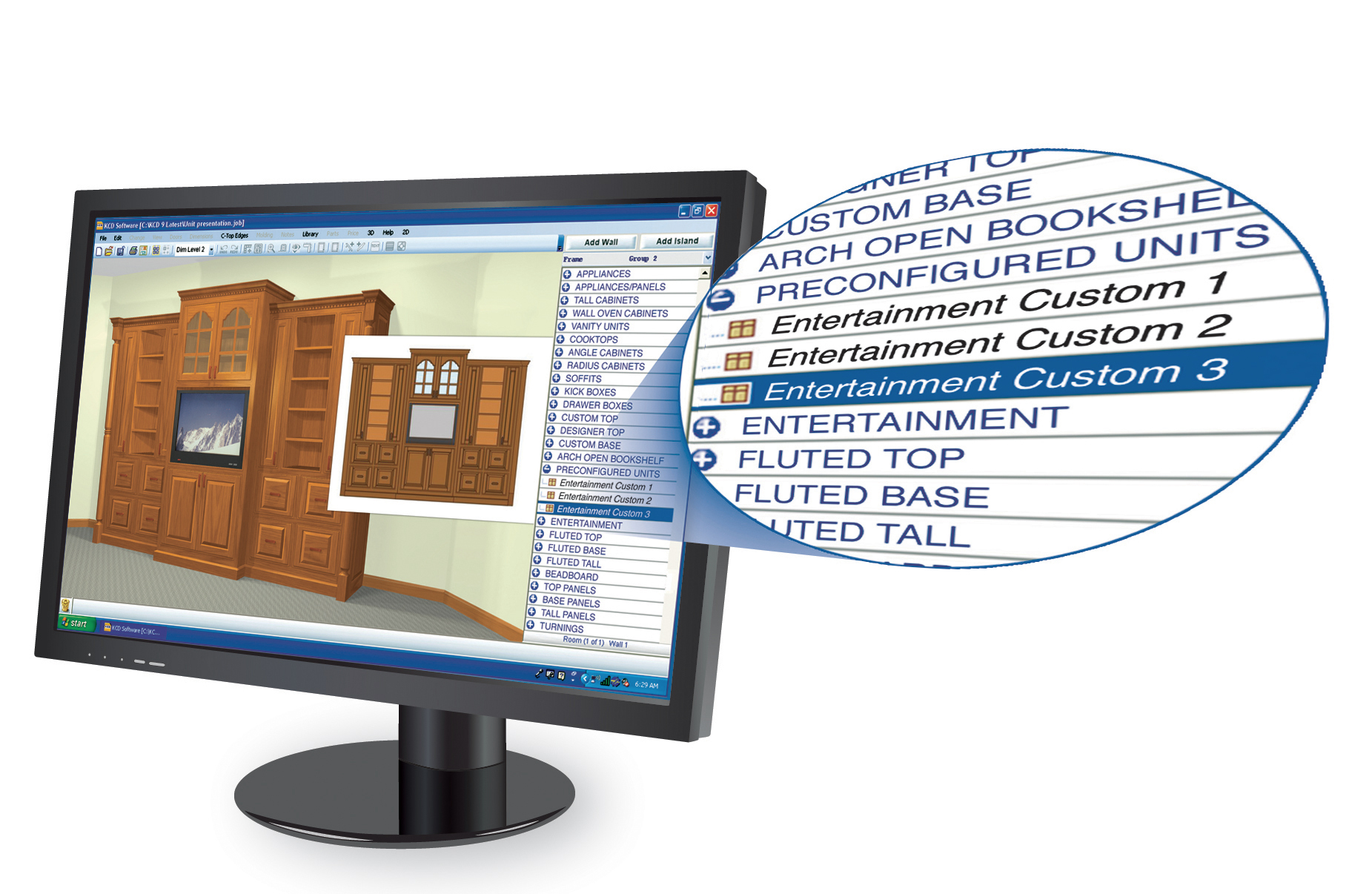 Create a library of your favorite units and rooms as a starting point for your next job. You can resize and modify them easily. Great for multi-unit projects like hotels and condominiums.Custom Library Creator Create a library of your favorite units and rooms as a starting point for your next job. You can resize and modify them easily. Great for multi-unit projects like hotels and condominiums.Custom Library Creator
|
||||
| Custom Pull Down Menus | ||||
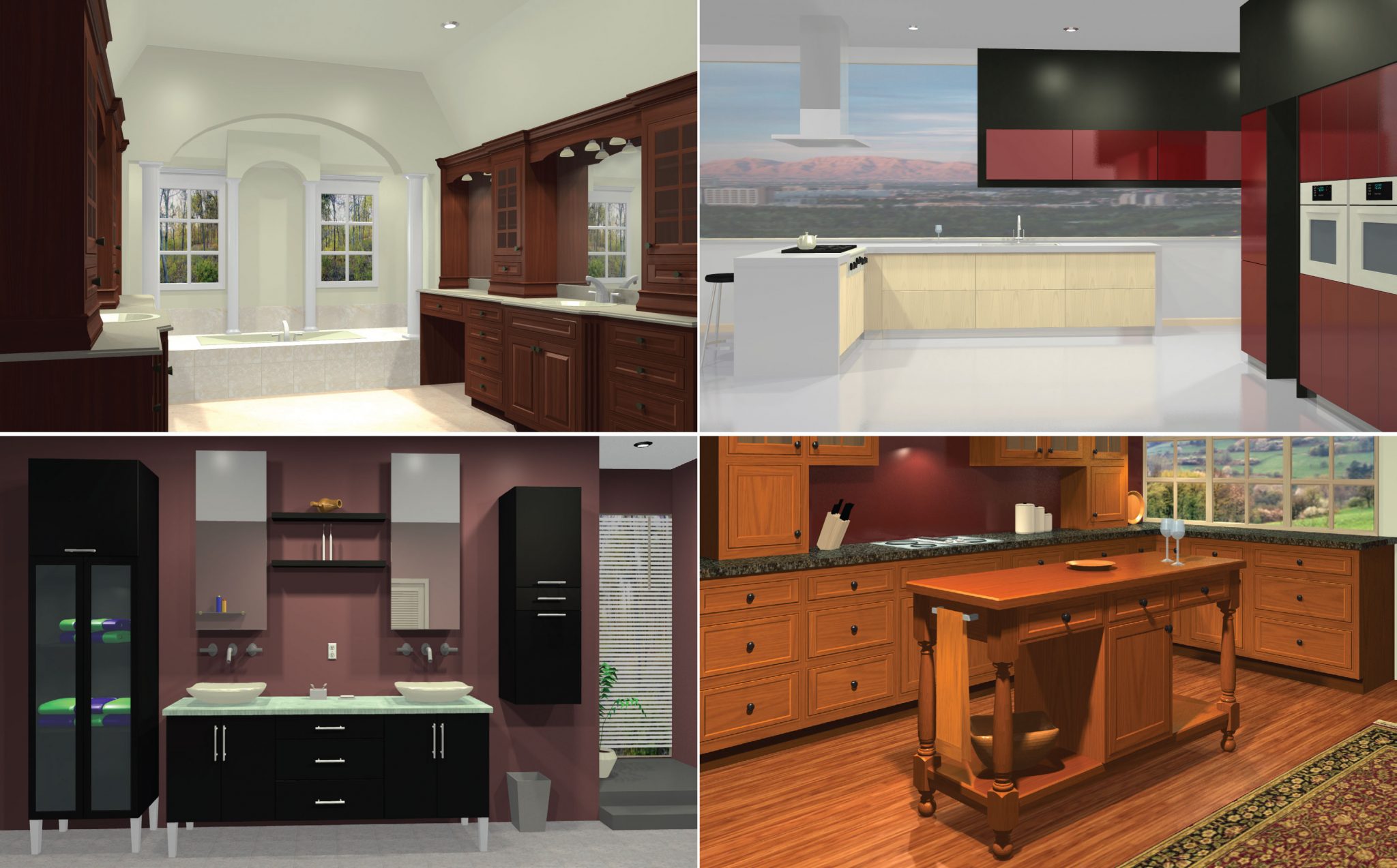 Imagine and create using KCD Software. Turn client dreams into reality with vivid 3D rendering.3D Modeling and Rendering Imagine and create using KCD Software. Turn client dreams into reality with vivid 3D rendering.3D Modeling and Rendering
|
||||
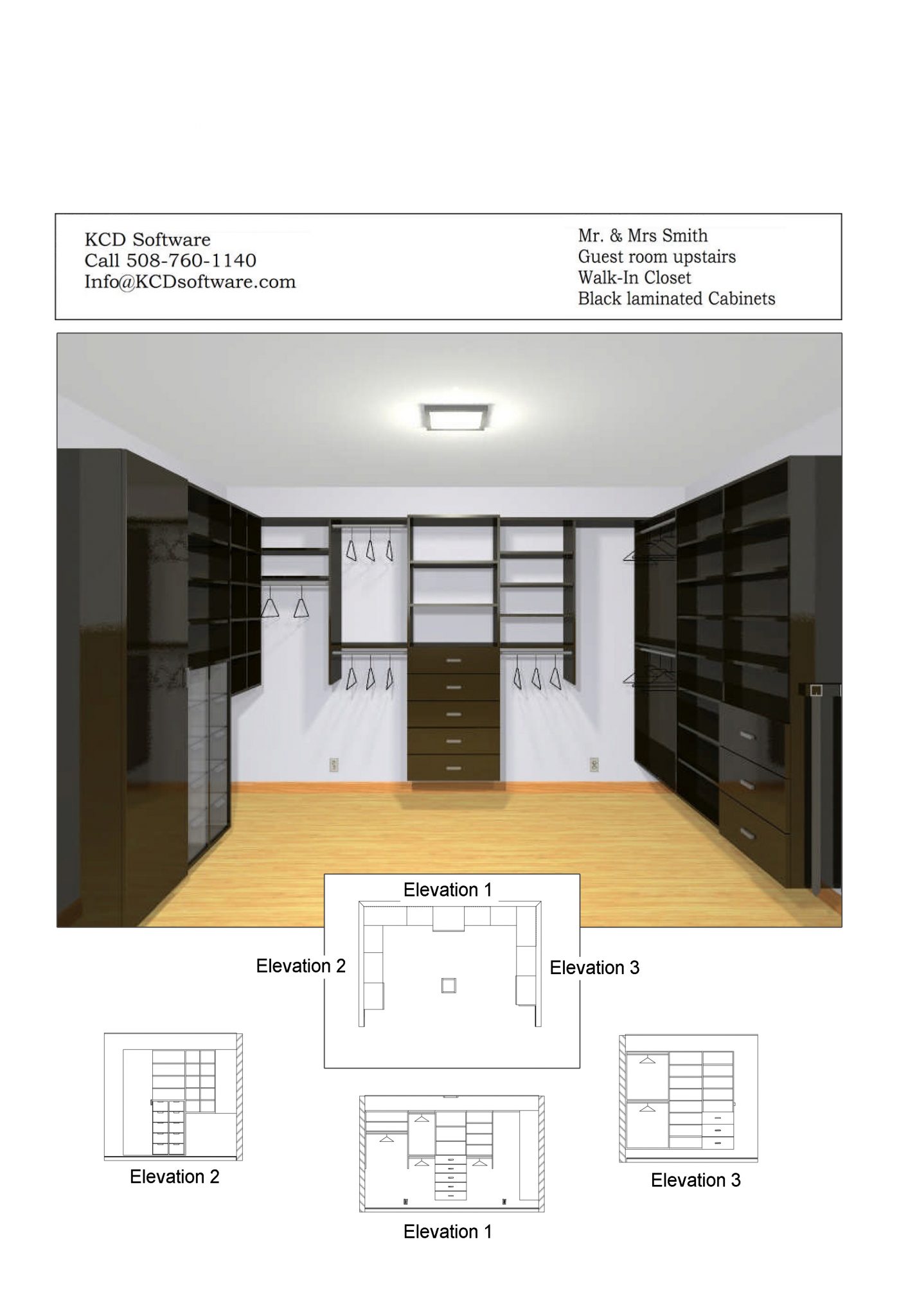 Drag, drop and size selected views for client presentations and shop production.Presentation-quality Multi-Prints Drag, drop and size selected views for client presentations and shop production.Presentation-quality Multi-Prints
|
||||
| Floor Plans, Elevations and Dimensioned Drawings | ||||
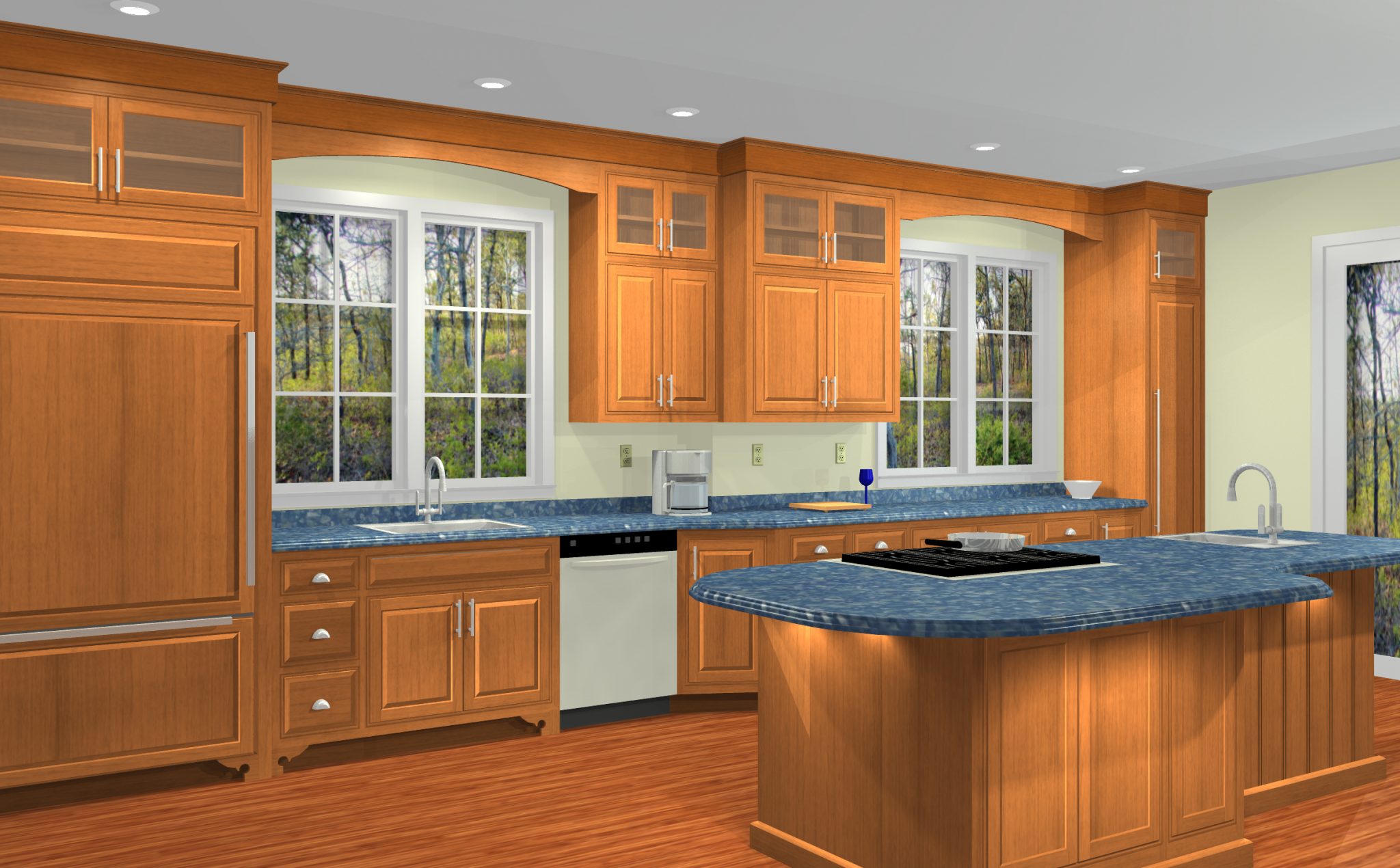 Design stunning island and peninsula solutions to present in 3D.Island and Peninsula Walls Design stunning island and peninsula solutions to present in 3D.Island and Peninsula Walls
|
||||
| Rotate/Mirror-image a Room | ||||
| Fast-fill a Room with Cabinets | ||||
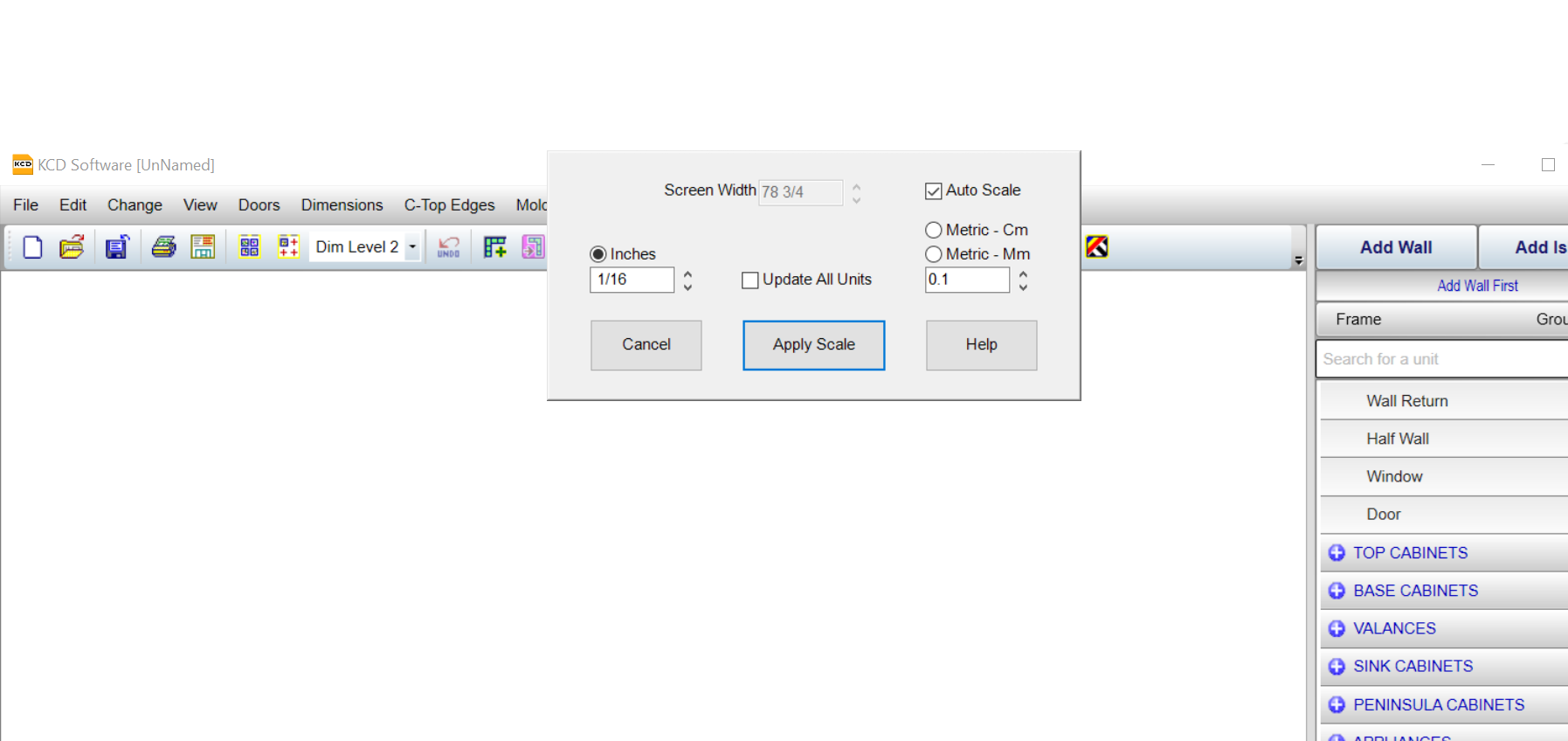 Easily change between inches or metric while working.Work in Inches or Metric Easily change between inches or metric while working.Work in Inches or Metric
|
||||
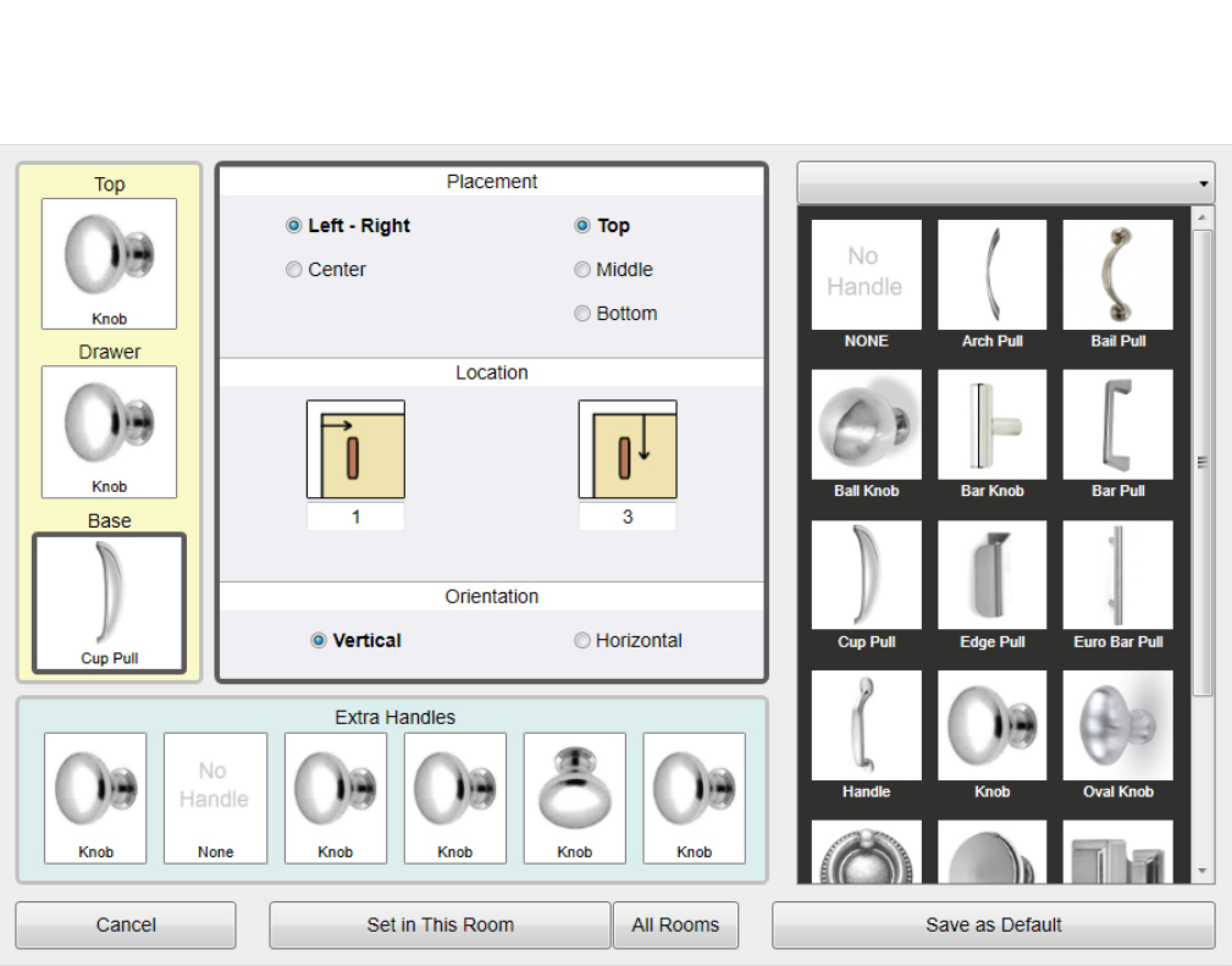 Show knob styles and hinging. Import and save your own DXF, DWG and STL image files for easy access to your favorite hardware.Show Handles and Hinging Show knob styles and hinging. Import and save your own DXF, DWG and STL image files for easy access to your favorite hardware.Show Handles and Hinging
|
||||
| Change Handles and Hinging | ||||
| T-Walls and Custom Wall Shapes | ||||
| Multiple Rooms per Job | ||||
| Locate and Size Windows and Doors | ||||
| Customize Door & Drawer Fronts, Panels & More | ||||
| Zoom in – Zoom out | ||||
| Full Custom Closet Design Studio | ||||
| Counter Top View with Dimensions | ||||
| Rotate Rooms 90 degrees Left or Right | ||||
| Select Colors and Textures for Units, Walls and more | ||||
| Add Custom Notes and Comments to Jobs | ||||
| Edit Wall Shapes | ||||
| Delete Rooms from Job | ||||
| Copy and Paste Units | ||||
| Set Unit Side Details (finished / unfinished) | ||||
| List of all Units in Job (height, width, depth) | ||||
| Measure Custom Distances | ||||
| Show Grid | ||||
| Align Room to Grid | ||||
| Select and use Auto Lighting | ||||
| Customize Lights and Lighting | ||||
| Show Room Name / Wall Number on Drawing | ||||
| Import Room Measurements from ETemplate® | ||||
| Includes 300+ Door & Drawer Styles | ||||
| Frame only – Set Door Insets | ||||
| Beaded Face Frames | ||||
| Multiple Dimension Levels | ||||
| Door Sizes Report for Door Ordering | ||||
| Predefined Counter Top Edging or Edit Profile | ||||
| One-Drive Cloud-sharing | ||||
| Back-up / Restore Function | ||||
| Auto Save Jobs – max. 50 | ||||
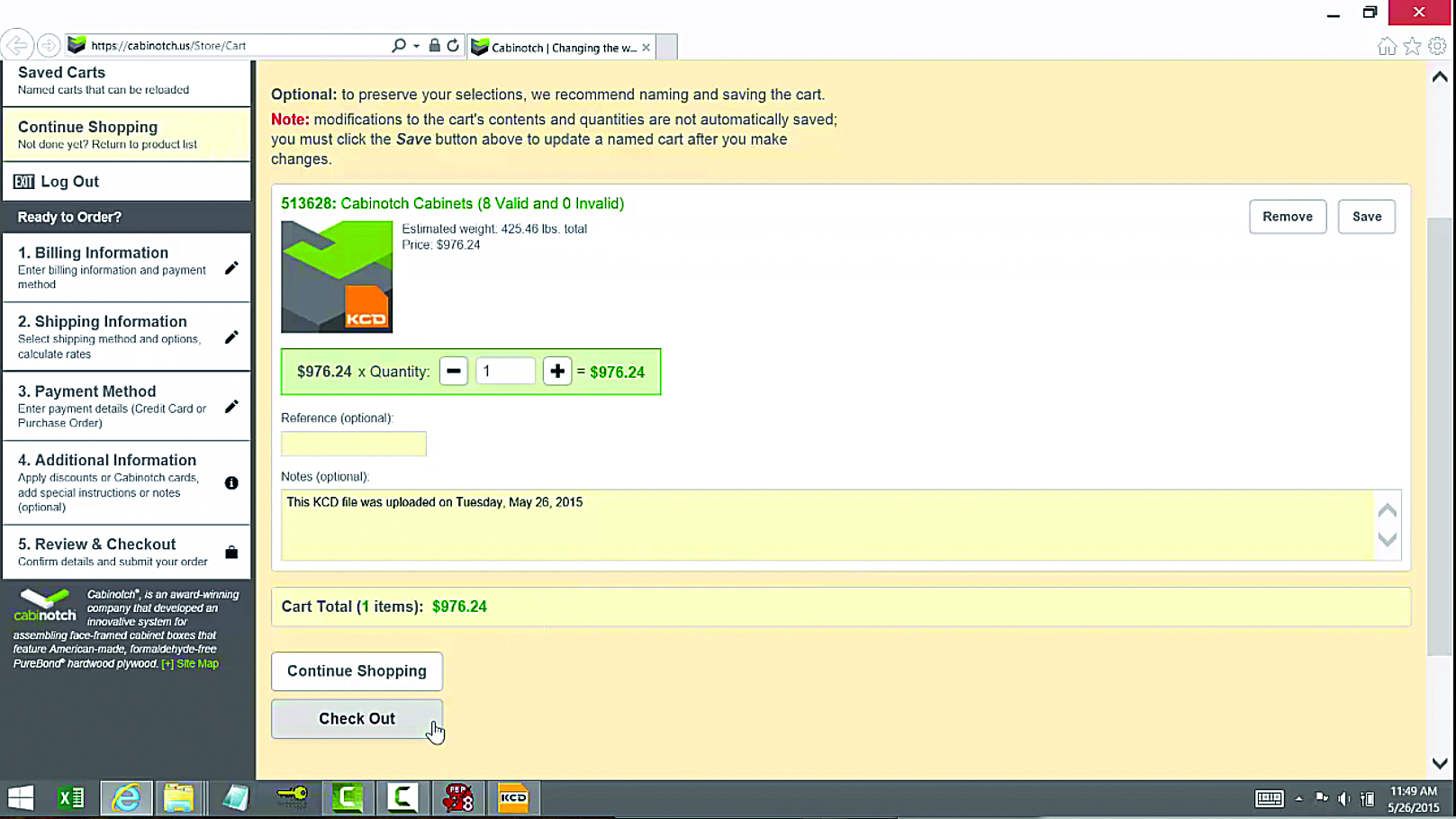 Easy pricing of your job with Cabinotch® Direct Ordering takes the guesswork out of estimating.Cabinotch® One-Click Quoting and Direct Order Easy pricing of your job with Cabinotch® Direct Ordering takes the guesswork out of estimating.Cabinotch® One-Click Quoting and Direct Order
|
||||
| Custom & Standard Cost Reports | ||||
| Automatic Cost Estimates generated from designs | ||||
| Pricing for Doors, Molding, Cabinets, Countertops & Hardware | ||||
| Door Ordering | ||||
| Closet Contracts | ||||
| Closet Proposals | ||||
| Closet Item Lists | ||||
| Cabinet Contracts | ||||
| Cabinet Proposals | ||||
| Cabinet Item Lists | ||||
| Built-in Lean Manufacturing Options | ||||
| Traditional Custom Cut Lists – frame & frameless | ||||
| Square Foot of Materials Reports | ||||
| Optimization Integration | ||||
| Build Details – Frame only Reports | ||||
| Build Details – Door & Drawer Reports | ||||
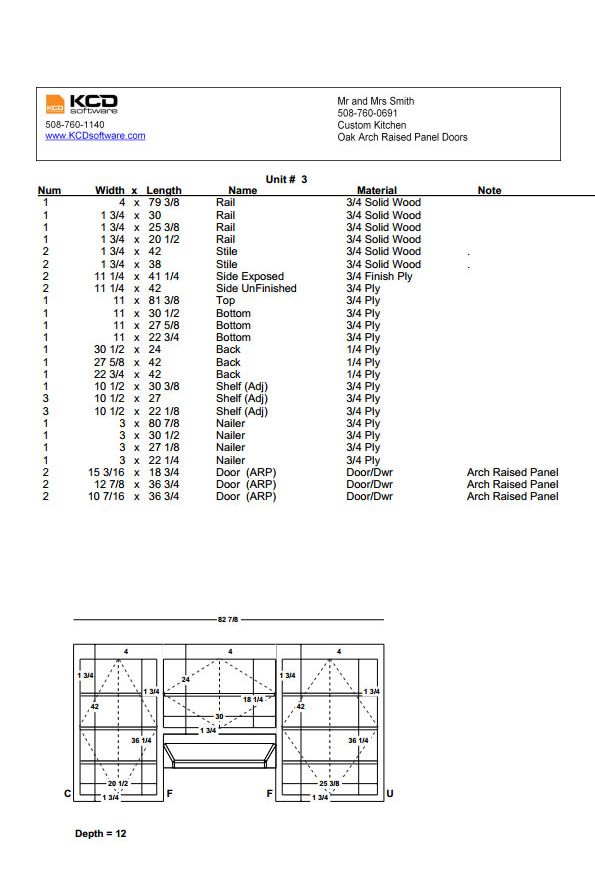 Automatically generate assembly instructions and other critical reports straight from your designs.Build Details – Assembly Reports by Unit Automatically generate assembly instructions and other critical reports straight from your designs.Build Details – Assembly Reports by Unit
|
||||
| Build Details – Drawer Box Reports | ||||
| Custom Parts Reports | ||||
| Design to CNC Machine Code | ||||
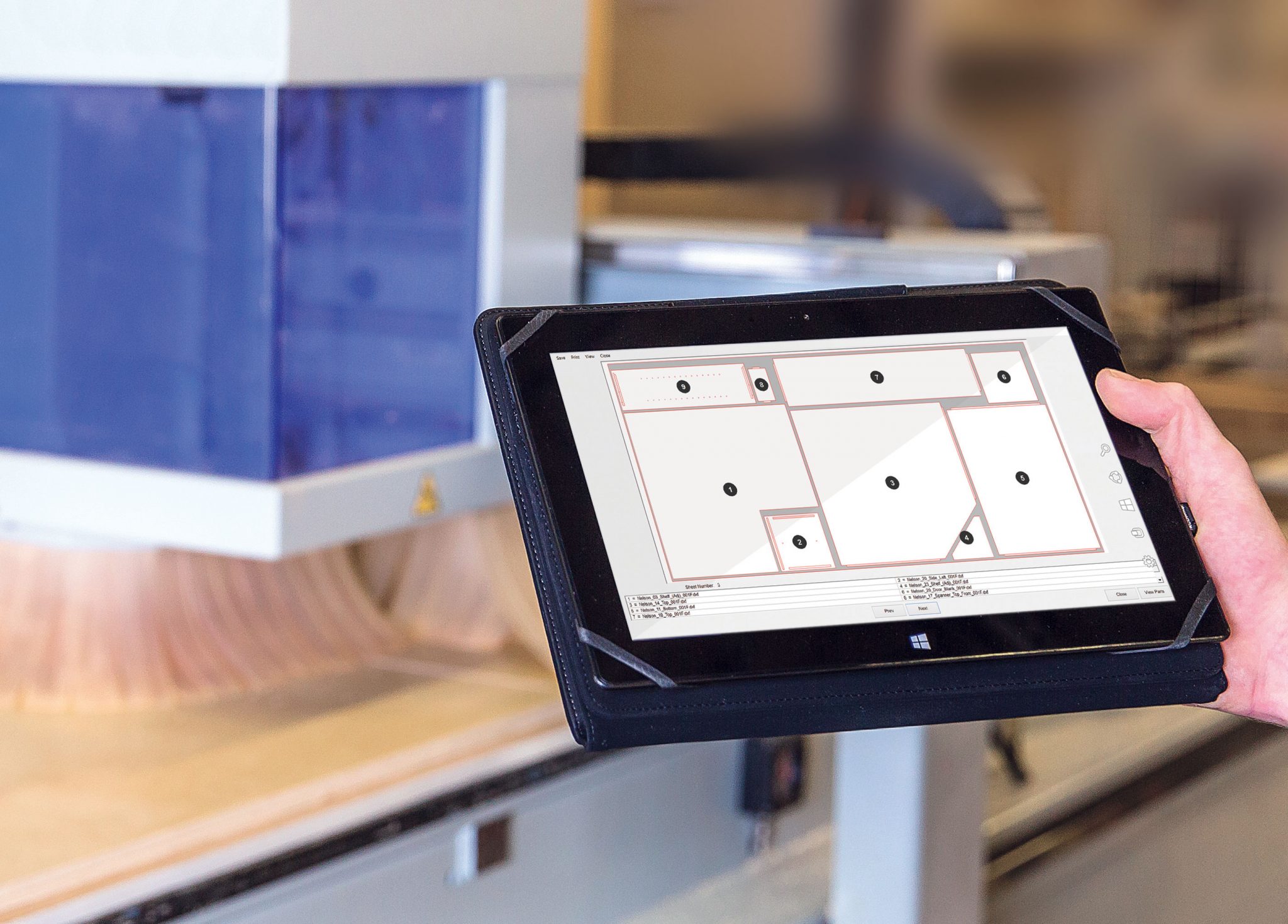 CNC Commander calculates the most efficient parts layout to maximize material yield.True Shape Nesting CNC Commander calculates the most efficient parts layout to maximize material yield.True Shape Nesting
|
||||
| CNC Manager: Generate Superior Job Nests | ||||
| One-Button Machining | ||||
| CNC Parts Viewer/Editor | ||||
| Management Software Integration | ||||
| CNC MDF Doors | ADD | |||
| CNC Dovetail Drawers | ADD |